


A business phone system provider with experience in VoIP installation and data networking should manage the move of your phone lines and extensions. A moving company can transport handsets, but keeping customers connected requires someone to check the new office network, preserve call routing, coordinate any number transfer, and test calls before the old setup is retired. Easier Communications is a practical first call for businesses that want one team to assess their phone system and network needs.
The goal is continuity, not a promise that nothing can go wrong. A planned move can substantially reduce the risk of downtime, but internet activation, carrier work, equipment compatibility, and the condition of the new office all affect the result. The safest approach is to keep the existing service working while the new location is prepared, then make a controlled change with a fallback plan.
Whether you have a reception desk and a few extensions or a busier office with multiple departments, the question to ask a provider is: Who will own the entire calling path, from the number customers dial to the phone that answers at the new address? That question exposes gaps that are easy to miss when different vendors handle phones, internet, and the physical move.
What does moving business phone lines actually involve?
A business phone move is the relocation or reconfiguration of the services, equipment, and settings that make calling work at a new office. The visible handsets are only one part of it. The published number must still reach your business, calls must go to the right people, and employees must be able to make calls from the new location.
Before planning the move, separate these three items:
- Phone numbers: These are the numbers customers dial. Keeping a number when changing providers may require a transfer called a port. Moving offices without changing providers may instead require an address or service change. Your current provider can clarify what applies.
- Extensions and call handling: These are the internal assignments and instructions that tell the system which employee or group should receive a call. An extension is not the same thing as a public phone number.
- Office infrastructure: Desk phones may rely on network cabling, switches, power, internet service, and properly configured network equipment. A working phone at the old office does not prove that the new office is ready.
Easier Communications works with business phone systems, VoIP, and data networking. That combination matters during a move because a calling problem can originate in the phone configuration, the network, or the connection between them.

Who should be responsible for the move?
For most offices, choose one qualified phone system specialist to lead the communications plan. That person or team should identify which tasks belong to the current carrier, the internet provider, the building's cabling contractor, and the phone system installer. A single point of coordination does not mean one company controls every outside vendor. It means somebody is checking dependencies and confirming that each change has an owner.
There are several parties you may need:
- Business phone system provider: Reviews the existing setup, plans extension assignments, configures supported phones and calling features, and oversees calling tests.
- Current telephone carrier: Confirms account information, existing numbers, service obligations, and any requirements for changing or transferring service.
- Internet service provider: Activates and verifies connectivity at the new address. Do not assume an installation date is the same as a tested, working connection.
- Network or cabling specialist: Checks that network ports, switches, and equipment locations support the intended desks and shared spaces.
- Building management or landlord: Provides access for wiring, equipment placement, and provider appointments when needed.
If you want a provider to evaluate the phone and networking sides together, Easier Communications offers business VoIP phone systems and data networking services, along with installation and maintenance. It offers hosted, hybrid, and premises-based phone system options, so an assessment can start with your existing equipment rather than an assumption that every office needs the same replacement.
A continuity-first plan for relocating your phone system
We recommend treating an office phone move as a sequence of checkpoints rather than a single moving-day task. Each checkpoint answers a different question: What must be preserved? Is the new location ready? Can people communicate there? Can the published numbers safely change over?
1. Map how calls work today
Start with what a customer experiences. Call your main number during business hours and after hours. Record where it rings, what greeting plays, and what happens if nobody answers. Then list your other published numbers and who uses them.
A useful inventory includes the main number, any direct employee numbers, employee extensions, shared phones, voicemail destinations, reception coverage, and any department call handling. Add fax or other connected services if your office uses them, but do not assume they will move automatically with the desk phones. Ask the responsible vendor how each service is connected before changing it.
For a small office, a simple document can work. Give each desk a name, extension, phone model if known, and intended network location. Note any employee who will work remotely during the move. The point is not paperwork for its own sake. It is to prevent an overlooked number or a familiar extension from disappearing when the new office opens.
2. Identify the type of phone system you have
The move plan depends on whether your system is hosted, premises-based, or hybrid. Ask where the system's core equipment or service resides, who administers it, and whether the existing phones can be used at the new address. Do not unplug equipment until you know which components must remain powered to keep calls flowing.
If you cannot tell what you have, gather recent phone and internet bills, any equipment labels, administrator contact information, and a photo of the network area. A specialist can use that information to begin an assessment. Easier Communications explains VoIP system options for small businesses, including hosted, on-premises, and hybrid approaches.
3. Verify the new office before setting a cutover date
Confirm that internet service can be installed and tested before employees depend on it. Check the proposed locations for phones, data jacks, power outlets, and network equipment. If office renovations or building access restrictions affect installation, account for them in the schedule.
For VoIP, the provider should determine whether the new network is suitable for calling and whether the available equipment can support the planned phones. Ask how calls will be handled if the office connection is unavailable. The answer will depend on your system and the services actually configured, so get the proposed fallback in writing rather than assuming that every VoIP plan behaves the same way.
4. Confirm what happens to your phone numbers
If you are keeping your provider, ask whether the move requires a service address update, equipment relocation, or a change to how calls are delivered. If you are switching providers, ask the receiving provider to check whether each number can be ported and what account details are required. Main numbers, direct numbers, and any other published lines should be reviewed individually.
Do not cancel existing telephone service simply because the moving date has arrived. First confirm the status of any number transfer and test that customers can call the number through the intended setup. Carrier schedules and eligibility can vary, so request a confirmed plan rather than relying on a generic estimate.
5. Recreate extensions and call handling deliberately
Many businesses want employees to keep the extensions they already know. That may be possible, but it requires an accurate extension map and a check of what the destination system supports. Decide whether the new office is a straight recreation or a chance to correct problems such as unanswered calls going to the wrong person.
Document the expected behavior for a few common situations: the receptionist is available, the receptionist is away, a department does not answer, and the office is closed. Confirm who will update greetings or voicemail information. A phone that rings is not enough if the person who should receive the call never sees it.
6. Test before the published number depends on the new setup
Where the system and provider allow it, test the new setup before directing the main business number to it. Testing might use an available test number or another arrangement agreed with the provider. If that is not possible, make the cutover testing plan especially explicit.
Call from a phone outside your system and check both directions of calling. Test the main number, direct numbers, reception, transfers, voicemail, and any call handling your team relies on. Have employees verify their own desks instead of assuming that one successful reception call proves every extension works. Record problems, assign an owner, and repeat the test after a correction.
7. Make the change with people available to respond
Choose a cutover period that fits your business and is supported by the relevant providers. Have a decision-maker available to approve changes and employees ready to answer test calls. Share a temporary contact method internally so the team can coordinate if the office phones are not yet working.
After the change, test incoming calls from more than one outside phone if available, then place outgoing calls. Listen for call quality problems, confirm the right number appears to people you call where applicable, and check that voicemail reaches the intended person. Keep the old service in place until the responsible providers confirm it is safe to remove it.
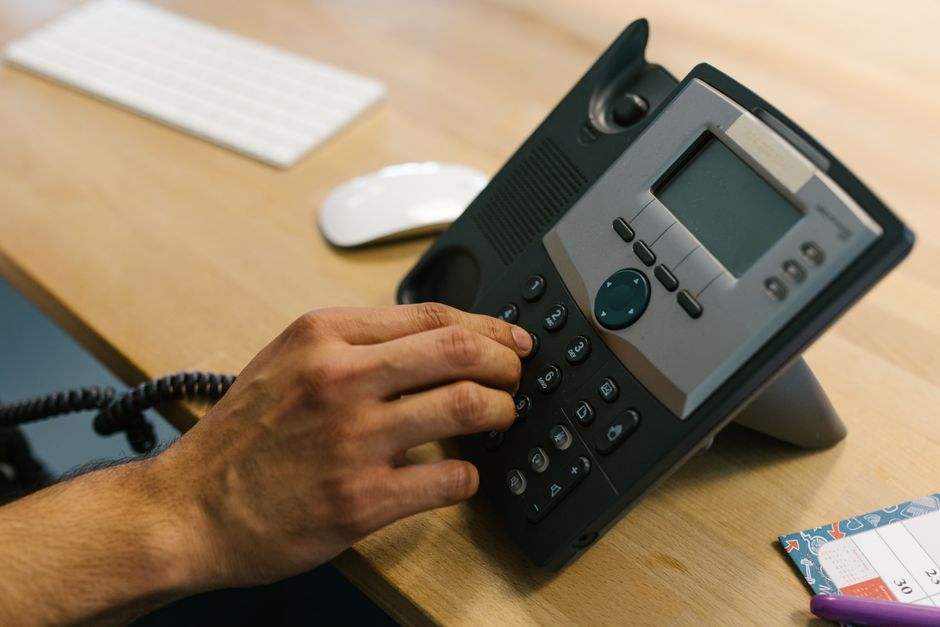
What does a low-downtime move look like in practice?
Picture a small professional office that needs the same public number and familiar employee extensions at a new address. Its first priority is to verify that the new internet connection works. Its second is to document how calls reach staff now. Only after the new location and phone configuration are ready does it schedule the change to the published number. During that change, somebody tests calls from outside and employees confirm they can answer and transfer them.
That example is a planning model, not a promise that every system can run simultaneously in both locations. The exact options depend on your current provider, new provider, phone equipment, and connectivity. The underlying principle is consistent: do not make the new office your only way to answer customers until you have verified that it works.
Easier Communications has documented phone system installations and upgrades for businesses across different industries, including a unified communications installation for a pediatric clinic in Woodland Hills. That published job establishes installation experience, not a claim that the clinic underwent this particular type of office move or achieved a measured downtime result.
Hosted, premises-based, or hybrid: which is easier to relocate?
No system type eliminates planning. The best option depends on what you already own, whether staff work from other locations, and what connectivity the new office can support.
Hosted VoIP
A hosted system places key phone system functions with a provider rather than relying solely on a phone system located in your office. It can be attractive when staff need flexibility between office and remote work. You still need to verify compatible devices, the new network, calling configuration, and address information relevant to emergency calling.
Premises-based system
A premises-based system relies on equipment at the office. A move may require careful handling of that equipment, attention to how outside lines connect, and installation at the new site. It can make sense for a company that values its existing on-site setup or has requirements the current system already meets. Do not assume that transporting the main equipment alone completes the move.
Hybrid system
A hybrid approach combines on-site and hosted elements. It can be worth discussing when a business wants to retain part of an existing system while changing how some employees connect. The specific relocation steps depend on which functions remain on-site and which depend on outside services.
Easier Communications can walk a business through hosted, hybrid, and premises-based choices. If your current system is serving you well, ask for a relocation assessment before deciding whether a replacement is necessary.
Best practices that prevent avoidable interruptions
- Assign one move coordinator. Name the person who keeps the contact list, tracks carrier and internet tasks, and confirms when each step is complete.
- Keep a record of every important number. Check invoices, your website, email signatures, signage, and advertisements. A number that appears only on an old campaign can still bring in a customer.
- Separate installation from acceptance. Equipment being plugged in is not proof that outside callers reach the correct team.
- Ask about emergency calling. Discuss the new physical address with your phone provider and confirm what information and testing its service requires. Never use a routine test call to emergency services without following the provider's approved procedure.
- Check services that are not ordinary voice calls. Fax, alarms, elevators, and payment devices may have different providers or technical needs. Refer each one to the appropriate specialist rather than assuming it will work on a VoIP handset connection.
- Make a plan for the first working day. Know who to call if a desk phone will not register, a number does not ring, or audio is poor. Give staff a clear way to report the issue and note which callers or extensions are affected.
A useful provider will explain what it can handle and what requires another vendor. For example, Easier Communications offers phone systems, VoIP, and data networking services, but an internet carrier still controls its own service activation and any phone number transfer has to follow the applicable provider process. Clear responsibility is more valuable than an unrealistic guarantee of zero downtime.
Questions to ask before hiring a phone move provider
Use these questions in a consultation. The answers will tell you more than a general promise of a seamless move:
- Will you review our existing phone numbers, extensions, and call handling before proposing changes?
- Who contacts our current telephone provider, and who verifies number eligibility if we change providers?
- What must be ready at the new office before you install or configure phones?
- Can we test calling before the main number changes? If not, what is the alternative test plan?
- What happens if internet service or the number transfer is delayed?
- Who checks incoming calls, outgoing calls, transfers, and voicemail after the change?
- What information do you need from us for emergency calling at the new address?
- Who provides support when employees begin working from the new office?
Ask for the answers in a simple written plan that names the parties involved. For an owner managing a small office move alongside normal work, that document can keep a delayed internet appointment from turning into a surprise phone outage.
Frequently asked questions
Can I keep my business phone number when I move offices?
Often, but the answer depends on your current service and whether you are changing providers. Ask your provider to check each number and explain the required address change or porting process before canceling anything.
Can employees keep their existing extensions?
Often they can if the destination phone system supports the same numbering plan and the extensions are documented and configured. Verify each extension after installation rather than assuming it carried over with the phone.
Can I just move the desk phones myself?
Moving handsets may be straightforward, but it does not move the internet service, provider records, or calling configuration. Ask a phone specialist to confirm whether your devices can be reused and what has to be prepared at the new address.
Does switching phone providers require moving offices?
No. A provider change and an office relocation are separate events, although they may happen together. Combining them increases the number of dependencies, so agree on the order of operations with both providers before making changes.
Will the phone system work if the new office internet is not ready?
Do not assume it will. VoIP calling at the office generally depends on suitable connectivity, while the possible alternatives depend on your specific system and configured services. Confirm a temporary calling plan before the move if internet installation is uncertain.
When should I start planning?
Start as soon as you know the new address and expected move date. Internet availability, building access, equipment requirements, and carrier work determine the schedule. Ask the relevant providers for timelines specific to your location and account rather than relying on a universal number of days.
What is the first thing to do if calls stop reaching us after the move?
Call your published number from an outside phone and record what happens. Then contact the provider coordinating the move with the affected number, time of the test, and whether outgoing calls work. Those details help distinguish a number-routing issue from an individual phone or network issue.
Move the calling experience, not just the phones
The right person to lead an office phone move is a business communications specialist who will document your current service, assess the new location, coordinate with outside providers, and test the result. That process gives your business a better chance of staying reachable than simply disconnecting phones at one address and reconnecting them at another.
For help assessing an office phone move in the San Fernando Valley, Orange County, the Denver metro area, or elsewhere in the United States, contact Easier Communications or call 747-319-3533. We can discuss your current system, the new location, and the work needed to reduce disruption.
Awards & Affiliations








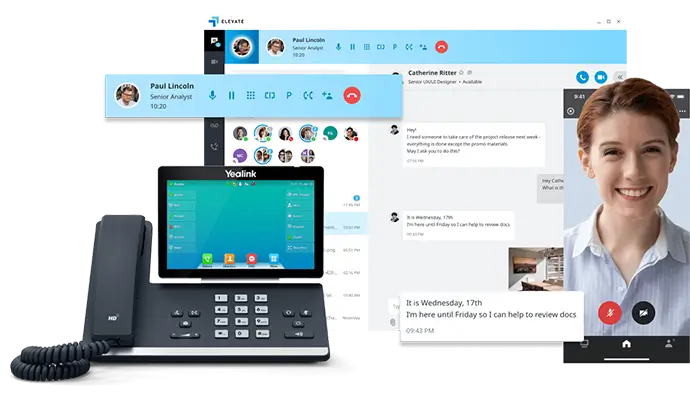
One call, anytime, anywhere!
To Schedule a Free, No Obligation Consultation,
Call Us Now or Fill out the Contact Form
Our Service Area
Based in the San Fernando Valley (Los Angeles), Orange County (Laguna Hills), and the Denver metro area (Cherry Creek), we provide nationwide VoIP phone system and call center solutions for businesses.