


What Happens During a Business Phone System Installation?
A business phone system installation starts with a plan for how customers reach your team. The installer reviews your current numbers and call handling, checks whether your network can support the new system, configures users and routing, connects phones or applications, tests calls, and shows employees how to use the setup. If you are replacing an existing service, the plan should also cover when your numbers move and how calls will be handled during the change.
The work at each desk is only one part of the project. A phone can appear ready while a caller still reaches the wrong department, an unanswered call goes nowhere, or a remote employee cannot take a transfer. At Easier Communications, we start with the caller's path through the business and use that plan to guide the equipment and configuration.
For an owner, the most useful question is not simply, ‘When will the phones be installed?’ It is, ‘When can my staff answer, transfer, and return calls on the new system with confidence?’ That depends on the number of users and locations, the condition of the network, the call flow you need, and whether existing numbers must be transferred.
What does a business phone system installation include?
A business phone system installation is the process of making a chosen phone system work for the people, numbers, locations, and call patterns of a business. For a VoIP installation, that means more than connecting compatible phones to a network. The system also needs the right users, extensions, incoming call destinations, business hours, voicemail settings, and a tested way for employees to place and receive calls.
The scope varies. A small office that wants its main number answered by a receptionist has a different setup from a practice that needs after-hours routing and mobile access. Phone system installation may involve desk phones, remote workers, more than one office, or a mix of existing and new equipment. Agree on what the system must do before deciding which devices belong on each desk.
Step 1: Map the calls your business needs to handle
Discovery begins with ordinary work: who answers when a customer calls, where a call goes if that person is busy, and what happens after closing. These details are easier to settle before configuration than to fix while customers are trying to reach you.
We recommend writing down answers to questions such as:
- Which business numbers are in use, and what is each number for?
- Who should answer the main number during business hours?
- Should callers reach a person directly, choose from a menu, or wait for an available team member?
- Who covers the front desk during lunch, meetings, or absences?
- Which employees need a phone at the office, access away from the office, or both?
- Where should unanswered and after-hours calls go?
- Which locations need to share the same call-handling rules?
The result should be a call-flow plan that a business owner can read without knowing phone-system terminology. It might say: ‘The main number rings reception first. If reception cannot answer, it rings the designated backup. After hours, callers hear the approved greeting and can leave a message.’ That description gives the installer a clear configuration target and gives your team something concrete to test.
Keep this stage focused on real caller needs. A complicated menu can make a business harder to reach even when every option technically works. If callers usually want a live person, design for that experience rather than adding steps simply because the system permits them.
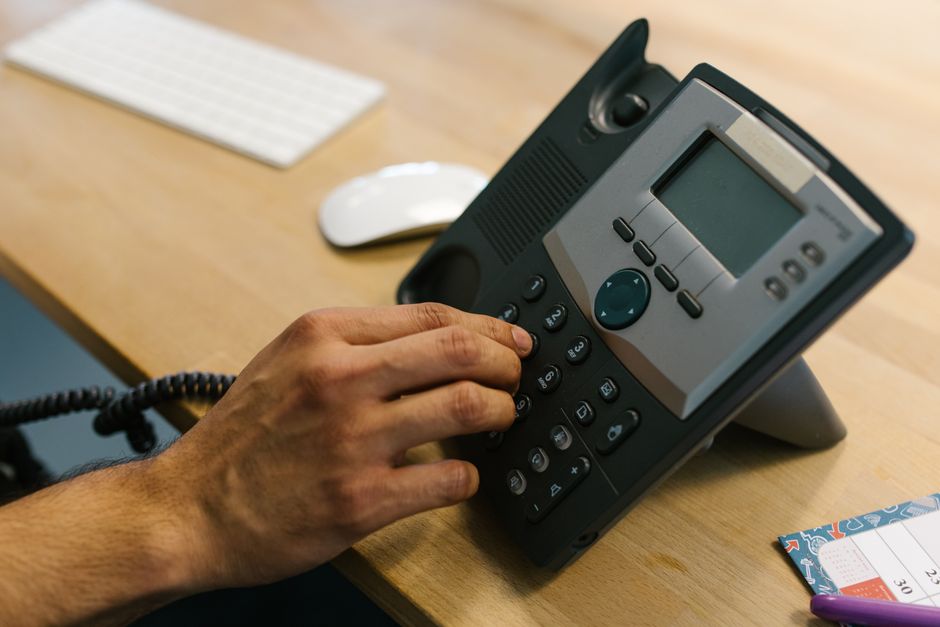
Step 2: Choose how the phone system will be deployed
The design determines what must be prepared at the office and what the provider manages elsewhere. Easier Communications works with hosted, hybrid, and on-premises VoIP options, and we walk businesses through those choices before installation.
Hosted or cloud VoIP
With a hosted system, the core service is managed away from your office. The office still needs a dependable connection and properly set up devices, but it does not need the same on-site phone system equipment as an on-premises deployment. This is often a practical option for a smaller business that needs to add users or support staff who work away from the office.
On-premises phone system
An on-premises system places core phone equipment at the business location. It can suit an organization that wants more control over its on-site setup or has requirements tied to its existing infrastructure. Its installation plan must account for the equipment location, connectivity, power, and ongoing maintenance.
Hybrid phone system
A hybrid arrangement combines on-site equipment with cloud services. It can be useful when a business wants to modernize gradually rather than change every part of its phone environment at once. The key installation question is which parts stay, which change, and how calls move between them.
There is no useful answer based on phone count alone. The better choice depends on how staff work, what infrastructure is already in place, and what the business expects to change. Decide the model before finalizing equipment, network work, and the cutover plan.
Step 3: Check the network and each phone location
For VoIP, the local network is part of the calling experience. Internet access that seems adequate for email and browsing does not automatically mean a call will sound clear when the office is busy. A readiness review should look at the connection, router and switching equipment, available network ports, cabling, and the places where phones will sit.
The review should answer practical questions: Is there a working connection at each intended desk? Can the network equipment support the planned phones? Do remote employees have a workable connection where they take calls? If calls need to continue when the office internet or power is unavailable, what is the agreed alternative route?
A network issue found before launch is a planning item. The same issue found after staff begin using the phones becomes a service problem. Where network changes are needed, complete and test them before moving important calls. Easier Communications also provides data networking and wireless services, so network readiness can be considered alongside the phone setup.
Step 4: Prepare users, numbers, and call-handling settings
Once the design is settled, the installer turns it into settings. Employees need the appropriate extensions and devices. Shared numbers need a defined destination. Greetings, voicemail, business hours, and backup answering arrangements need to reflect how the company actually operates.
This is a good time for the owner or office manager to check the details that are easy to overlook:
- Confirm names and extensions before they are assigned to devices.
- Identify who is responsible for messages left on the main number.
- Approve the exact words callers will hear in greetings.
- Check that after-hours instructions match what the business can deliver.
- Decide which employee can request changes to routing and schedules.
If your business uses call center services, the plan may also need to define how a live person receives and directs incoming calls. That should be decided with the same care as a front-desk setup. The goal is not merely to distribute calls, but to make sure a caller reaches someone who can help or gets a clear next step.
Step 5: Coordinate the move of existing numbers
If customers already know your phone number, keeping it working is a central part of the installation. Moving an existing number to a new service is called number porting. The transfer involves coordination with the current provider, so it should be planned separately from placing new phones on desks.
Before the move, gather a complete list of numbers, a recent bill or account record, and the account details associated with the current service. Do not assume the main published number is the only number that matters. A business may also receive calls on numbers used for a department, an older advertisement, or another location.
Keep the existing service active until the transfer is complete and incoming calls have been tested. Ending the old service too soon can create an avoidable interruption. Ask what will happen to inbound calls during the change and who will confirm that every number reaches its intended destination afterward.
The calendar for a number transfer is not the same as the time needed to connect phones. Carrier coordination and account details can affect when a move can happen. If your business has a busy calling period, discuss the proposed cutover before committing to it.
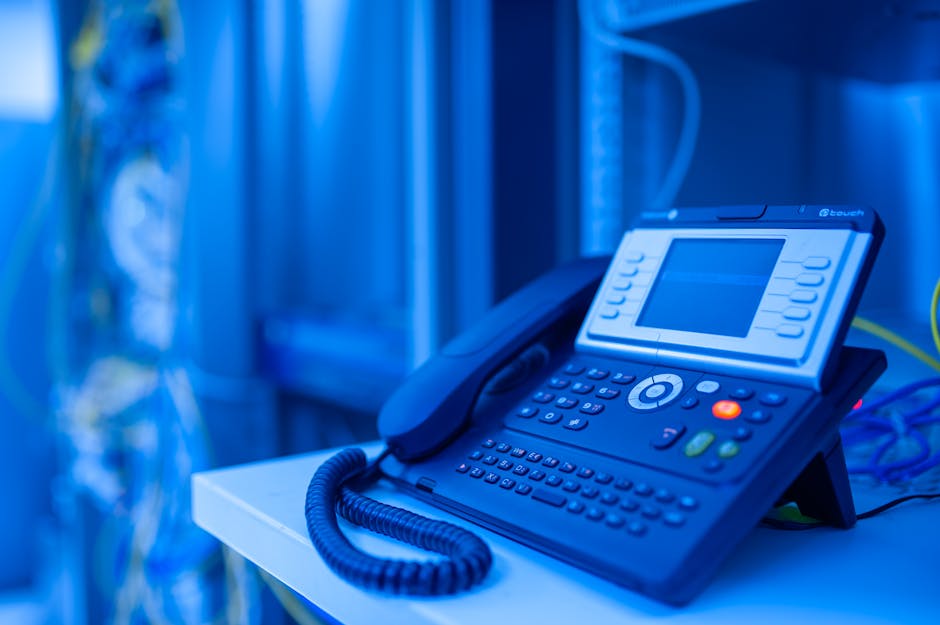
Step 6: Connect and configure the phones
On installation day, the visible work begins. Phones are placed where employees will use them, connected as the selected system requires, assigned to the right users, and checked for basic operation. Where mobile access is part of the approved setup, the relevant employees also need to be ready to use it.
A device showing that it is connected is only an initial check. It must be associated with the correct person or shared role, and its buttons and calling behavior must make sense for that job. A receptionist who handles most incoming calls may need a different setup from an employee who mainly calls clients directly.
Pay particular attention to any desk that moves frequently, any shared work area, and any employee who splits time between the office and the field. If the physical workspace changes after the plan is made, tell the installer before devices are assigned. Small location changes can affect cabling, network access, and training.
Step 7: Test calls as a customer and as an employee
Testing is the point at which the written plan meets real behavior. We recommend calling from outside the business, not only from one new extension to another. That shows what a customer actually hears and where the call actually goes.
A useful acceptance test covers:
- Incoming calls: Call every important published number and confirm the correct first destination.
- Outgoing calls: Place calls from the roles and devices that will use the system.
- Transfers: Move a call between the people or departments that exchange calls during a normal day.
- Unanswered calls: Let a call ring without answering and check the next step.
- Voicemail: Leave and retrieve a message for each essential mailbox.
- Closed hours: Check what a caller hears and where the call goes when the office is closed.
- Remote access: Have an employee away from the office test the calling arrangement they will use.
- Continuity: Review the agreed plan for handling calls if the office connection is interrupted.
Not every business needs every available feature. Every business does need its own promised call paths to work. Record what failed, correct it, and retest before treating the installation as finished. An owner or front-desk lead should take part, since they are often the first to notice when a technically successful route creates a poor caller experience.
Step 8: Train the team and hand over the system
A new phone system changes daily habits. People who can answer a ringing phone may still hesitate when asked to transfer a customer, retrieve a message, or handle a call that arrives while they are busy. Training should follow the tasks each person performs rather than walking everyone through every available setting.
Start with a real call. Have the front desk answer it, place it on hold if appropriate, transfer it, and check what happens when the intended person cannot answer. Then have employees practice voicemail and any approved remote calling arrangement. Managers should know whom to contact for a change to hours, greetings, or the people receiving calls.
Before handover, make sure the business has a current list of numbers and extensions, its agreed call-flow plan, the status of any number transfers, and a clear support contact. A simple record of these decisions makes future changes much easier, especially when the person who managed the installation is away.
Our Van Nuys customer feedback includes praise for hands-on training from Omar. That matters because training is not an extra flourish: it is how a working installation becomes a system employees can rely on during a busy day.
How long does installation take?
There is no single installation time that applies to every office. The overall project includes discovery, any necessary network preparation, configuration, equipment setup, testing, training, and sometimes a number transfer. Some of that work can be completed before anyone touches a desk phone.
A small office with an existing suitable network and a straightforward call flow has fewer moving parts than a business with several locations or specialized call handling. Changes to cabling or network equipment, coordination with a current carrier, and the number of people who need training can all affect the schedule.
Ask for two dates, not one: when staff can begin using the new setup, and when any existing numbers are expected to move. Also ask what must be ready before each date and who will decide whether testing is complete. That gives you a more useful plan than a promise based only on the number of phones.
What should you prepare before installation day?
The best preparation comes from the business, because no installer knows your customers and working habits as well as you do. You do not need to specify technical settings. You do need to make the decisions those settings will represent.
- List your numbers. Include the main line and any other number that customers or partners still use.
- Name the users. Note who needs a dedicated phone, who shares a work area, and who takes calls away from the office.
- Describe the call flow. Identify the first person to answer, the backup, and the destination when nobody is available.
- Set your hours. Include the instructions a caller should hear when the office is closed.
- Gather carrier details. Have current account information available if existing numbers will move.
- Provide access. Make network equipment and planned phone locations available for inspection and installation.
- Choose an approver. Give one person authority to confirm the call plan and resolve questions during the change.
If you are calling because the current system has a problem, describe the symptom as precisely as possible. ‘Calls disconnect when transferred from reception’ is more useful than ‘the phones are bad.’ Note which numbers or users are affected, whether the issue is constant or intermittent, and whether it began after a change to the office network or service.

Common installation risks and how to avoid them
The phones work, but callers reach the wrong place
This is usually a call-flow problem rather than a reason to replace every device. Review the approved routing plan, then test the main number, unanswered calls, and closed-hours behavior from outside. Make sure the destination is staffed or its messages are checked.
Call quality is inconsistent
Voice calls depend on the network path between the phone and the service. If audio cuts out or calls drop, note which users and locations are affected. Comparing office phones with remote users can help narrow the problem. Check the network and connection before assuming the handset itself is at fault.
An important number was missed in the move
Review the full number list against current account records before the cutover. Afterward, test every number on that list. A number that rarely rings can still be important when a long-standing customer calls it.
Staff know the new buttons but not the new process
Practice complete scenarios: a caller reaches reception, asks for someone unavailable, and needs a message taken or a next step. That exposes gaps in both training and call routing that a quick device demonstration will not reveal.
Best practices for a smoother go-live
Our practical rule is to separate three questions: Can a caller reach the business? Can the call reach the right person? Can the team handle it once it arrives? Each question requires a different test. Answering all three is more valuable than simply confirming that each phone powers on.
- Approve the caller experience first. Write down the desired path in plain language before configuring menus or groups.
- Plan for busy and unavailable people. Decide who backs up the primary answerer and what happens when nobody picks up.
- Keep the transition controlled. Coordinate any number transfer and retain the old service until the move is confirmed.
- Test from outside the office. Internal calls alone will not show what a customer experiences.
- Train by role. Reception, field staff, and managers need to practice different actions.
- Review calls after launch. If customers repeatedly reach the wrong person or employees struggle with transfers, adjust the plan rather than living with it.
A completed installation is a starting point, not a frozen design. As staffing and business hours change, review who receives calls and messages. A small routing adjustment may solve a recurring problem without replacing the system.
A real example of installation beyond desk phones
A completed Easier Communications job in Woodland Hills involved a unified communications system for a pediatric clinic. It illustrates why an installation plan should begin with how an organization communicates, not with a count of devices alone. In a setting where people may need to reach the right staff member promptly, the owner should confirm who answers the main number, where calls go when that person is unavailable, and what callers hear outside office hours.
Those questions apply just as readily to a law office, a repair business, or a small sales team. The technical design changes with the business, but the sequence remains useful: understand the calls, prepare the network, configure the chosen system, test the paths, and train the people who will use it.
Frequently asked questions
Will my business lose phone service during installation?
A new system can be prepared and tested as part of a planned transition, but changing an active service still needs coordination. If you are keeping your numbers, ask how calls will be handled during the transfer and do not cancel the current service before the move and tests are complete.
Can we keep our existing business phone number?
Keeping a number generally involves a port request to move it from the current provider. Give the installer the full number list and accurate current account details, then confirm each number receives calls after the move.
Do we need new cabling for VoIP phones?
Not necessarily. It depends on the network connections available where the phones will be used and the requirements of the chosen equipment. A site and network check should identify what can be used and what needs attention before installation.
Can remote employees use the same business phone system?
Remote access is one of the reasons businesses consider VoIP. Easier Communications offers phone options for office and remote work. Include remote staff in the original plan so their calling arrangement, access, and training are tested before launch.
What if our existing phone system is already having problems?
Start by identifying the affected numbers, users, and call types. A problem may involve routing, a device, or network connectivity. A focused review can help determine whether the right next step is a repair, a change to the current setup, or a replacement.
Who should sign off on the installation?
The person responsible for how the business handles calls should participate in final testing. That may be an owner, office manager, or front-desk lead. They should confirm that customers can reach the right place and that staff can manage normal calls before the project is considered complete.
The installation is finished when calls work in real life
A successful business phone system installation leaves you with more than connected equipment. Your published numbers reach the right destinations, employees can perform their daily calling tasks, after-hours callers get a clear response, and someone knows how to request help or changes. Those are the outcomes worth checking at go-live.
If you are planning an installation or dealing with an existing phone issue, Easier Communications installs and maintains business phone systems, supports hosted, hybrid, and on-premises options, and offers 24/7 technical support. We serve businesses from our San Fernando Valley, Orange County, and Denver offices and nationwide. To talk through your current setup, call 747-319-3533 for a free, no-obligation consultation.
Awards & Affiliations








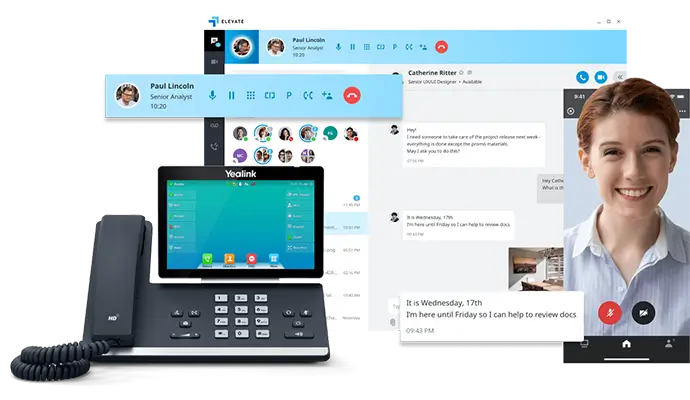
One call, anytime, anywhere!
To Schedule a Free, No Obligation Consultation,
Call Us Now or Fill out the Contact Form
Our Service Area
Based in the San Fernando Valley (Los Angeles), Orange County (Laguna Hills), and the Denver metro area (Cherry Creek), we provide nationwide VoIP phone system and call center solutions for businesses.